

Guides AI Agents & Automation
Best AI App Builders in 2026: Cursor vs Lovable vs Bolt vs Replit — Which Should You Choose?
Building an app no longer has to start with writing every line of code. AI-powered tools like Cursor, Lovable, Bolt, and Replit are changing how founders and developers turn ideas into working products. But which one is right for your project? We compare their strengths, limitations, ideal users, and real-world use cases to help you choose the right development workflow.
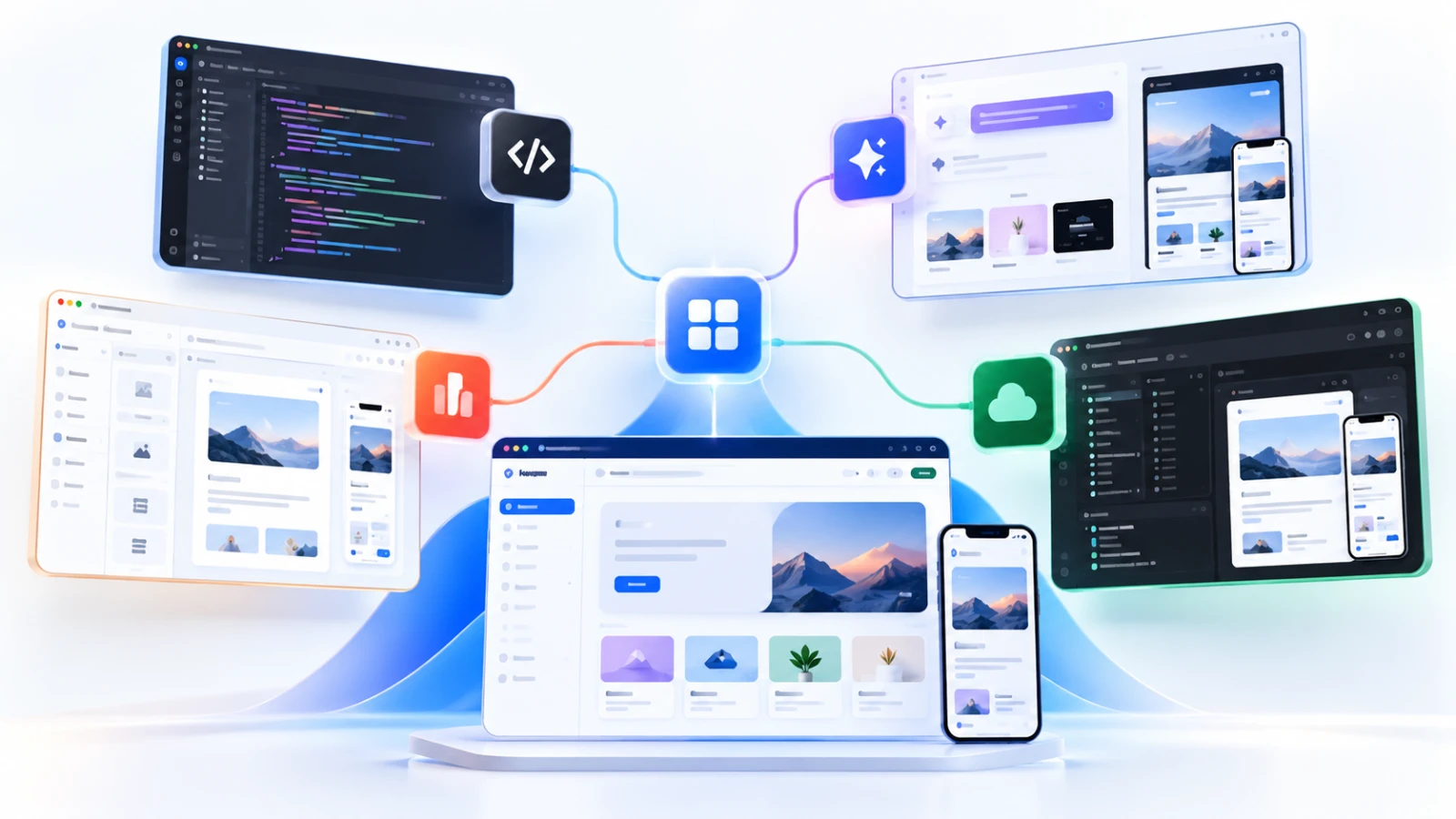
Best AI App Builders in 2026: Cursor vs Lovable vs Bolt vs Replit — Which Should You Choose? #
Not long ago, turning an app idea into a working product meant assembling a development team, setting up infrastructure, and spending weeks or months building the first version.
Today, AI-assisted development tools can help founders and developers go from an idea to a working prototype much faster.
You can describe an application in natural language, generate interfaces, create backend functionality, and iterate on features with AI assistance.
But there's a problem.
Building something quickly and building something reliable are not the same thing.
An AI-generated demo might look impressive in minutes. Turning it into a secure, maintainable application that real customers can use is a different challenge.
That's why choosing the right AI development tool matters.
In this guide, we'll compare four popular options: Cursor, Lovable, Bolt, and Replit.
1. Cursor: Best for Developers Who Want AI-Powered Coding #
Cursor is an AI-powered code editor designed to help developers understand, write, modify, and maintain software projects.
Unlike tools that primarily generate applications from prompts, Cursor works directly with your codebase.
Where Cursor shines #
- Working with existing software projects
- Building complex applications with custom requirements
- Understanding and modifying multiple files
- Debugging and refactoring code
- Giving developers more direct control over implementation
Where it may not fit #
Cursor is less suitable for someone who wants to build an entire application without understanding code.
You still benefit significantly from knowing how software architecture, databases, APIs, and deployment work.
Best for: Professional developers, technical founders, and teams building custom applications.
2. Lovable: Best for Turning Ideas Into Web App Prototypes #
Lovable focuses on making web application creation accessible through natural-language instructions.
Instead of manually designing every screen, users can describe the application they want and iteratively refine the generated result.
Where Lovable shines #
- Quickly exploring startup ideas
- Creating web app interfaces
- Building early-stage MVPs
- Testing workflows before investing in custom development
- Helping nontechnical founders visualize their ideas
Where it may not fit #
Complex business logic, unusual integrations, security requirements, and long-term maintenance may require deeper technical involvement.
Generated applications still need testing before production use.
Best for: Nontechnical founders, entrepreneurs, designers, and startup teams validating ideas.
3. Bolt: Best for Fast Browser-Based App Development #
Bolt is an AI-powered development environment that helps users create and iterate on applications directly in the browser.
Its appeal is speed: you can describe a project, generate code, preview the application, and make changes through prompts.
Where Bolt shines #
- Rapid prototyping
- Building interactive web applications
- Experimenting with ideas without extensive local setup
- Creating demonstrations and proof-of-concept products
- Iterating quickly on frontend functionality
Where it may not fit #
As projects become more complex, developers may need additional control over architecture, debugging, integrations, and deployment.
Best for: Indie hackers, startup founders, and developers who want to experiment and ship prototypes quickly.
4. Replit: Best for Building and Running Projects in One Environment #
Replit provides a cloud-based development environment with AI-assisted application development capabilities.
Its integrated approach can help users build, run, and deploy projects without setting up a traditional local development environment.
Where Replit shines #
- Developing in a browser-based workspace
- Quickly creating and testing applications
- Learning software development
- Running projects in a hosted environment
- Building prototypes with an integrated workflow
Where it may not fit #
Some teams may prefer more control over their infrastructure, development environment, deployment process, and ongoing hosting costs.
Best for: Students, independent developers, founders, and teams looking for a convenient integrated development environment.
Cursor vs Lovable vs Bolt vs Replit: Quick Comparison #
| Tool | Main strength | Best suited for |
|---|---|---|
| Cursor | AI-assisted code editing | Experienced developers |
| Lovable | Prompt-driven web app creation | Nontechnical founders |
| Bolt | Rapid browser-based prototyping | Indie hackers and makers |
| Replit | Integrated cloud development | Beginners and independent developers |
These are general workflow distinctions, not definitive performance rankings. Features and pricing change frequently, so check each product's official documentation before committing.
Which AI App Builder Should You Choose? #
The right tool depends less on which AI model is most impressive and more on what you're trying to build.
If you're a nontechnical founder #
Start by evaluating Lovable or Bolt.
Both can help you explore an idea without beginning with a traditional software development workflow.
Focus on validating the problem before investing heavily in features.
If you're an experienced developer #
Cursor may be a stronger starting point.
Its code-oriented workflow can be useful when you need precise implementation control, custom integrations, or an established codebase.
If you want an integrated cloud workspace #
Consider Replit.
It can reduce the setup required to begin building and running projects, particularly for smaller applications and experimentation.
If you're launching a SaaS product #
Don't choose a tool based only on how quickly it creates the first screen.
Evaluate whether the resulting application can support authentication, data storage, permissions, payments, integrations, deployment, monitoring, and ongoing maintenance.
Your MVP is only the beginning.
The Hidden Challenges of AI-Generated Applications #
AI development tools can reduce the effort required to create software, but they don't eliminate engineering responsibilities.
Before launching a product, pay attention to five areas.
1. Security
Check authentication, authorization, exposed secrets, dependency vulnerabilities, and data handling. Never assume generated code is secure simply because it runs.
2. Database design
A database structure that works for a demonstration may become difficult to maintain as your product grows.
3. Scalability
Evaluate how the application behaves under realistic usage. A successful local test doesn't prove production readiness.
4. Code ownership
Understand how to access, export, maintain, and deploy your application if you change development tools.
5. Long-term costs
Consider subscriptions, AI usage limits, hosting, database services, and the cost of maintaining generated code.
The fastest tool isn't necessarily the most economical option over time.
The Bigger Opportunity: Building Is Getting Easier, Discovery Still Matters #
AI-assisted development is making it easier for independent creators to launch software products.
But launching an application doesn't automatically bring users.
Once you've built your product, you still need to explain what problem it solves, identify your target audience, and help potential customers discover it.
That's where product-discovery platforms can help.
At Vouchfull, we're building a place where people can explore software, compare digital tools, and find solutions that fit their needs.
And if you've recently built a SaaS product, developer tool, AI application, or side project, you can submit your product to Vouchfull for free.
The second link should be replaced with your actual product-submission page URL before publishing.
Final Thoughts #
Cursor, Lovable, Bolt, and Replit serve overlapping but different development needs.
If you want to work deeply with code, consider Cursor.
If you want to turn an idea into a web application quickly, evaluate Lovable or Bolt.
If you prefer an integrated cloud development environment, explore Replit.
Whichever tool you choose, remember that generating an application is only one part of building a successful product.
The real goal is to create something useful, reliable, and discoverable.
And that's where the next generation of software builders will need to focus.