

Guides Developer Tools & Vibe Coding
Linear vs Jira in 2026: Which Project Management Tool Is Better for Software Teams?
Linear and Jira are popular project management tools for software development, but they take different approaches to planning, tracking, and collaboration. Linear emphasizes focused workflows and streamlined issue management, while Jira offers extensive customization and cross-team coordination. This 2026 comparison examines pricing, features, integrations, automation, and scalability to help star
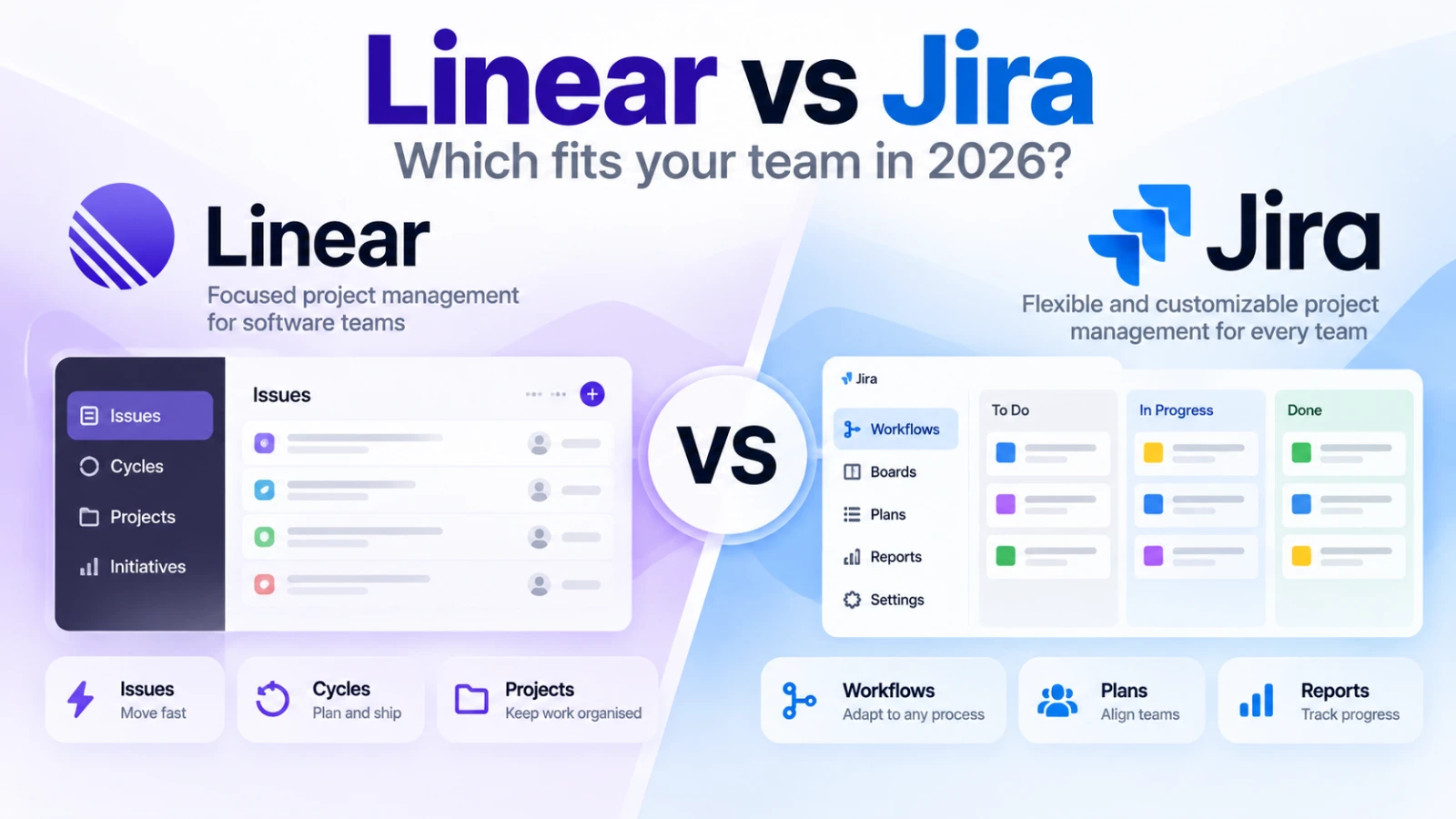
Linear vs Jira in 2026: Which Project Management Tool Is Better for Software Teams? #
Choosing the right project management software can significantly influence how efficiently a development team works.
A small startup might need a simple way to track bugs, organize features, and plan releases. A larger engineering organization may require complex approval workflows, detailed reporting, and coordination across multiple departments.
Two popular options are Linear and Jira.
Both help teams manage software development, but their approaches differ.
Linear focuses on structured, streamlined workflows designed primarily for product and engineering teams.
Jira provides extensive customization, reporting, automation, and project management capabilities for technical and non-technical teams.
So which one should you choose in 2026?
Let's compare their features, pricing, strengths, limitations, and real-world use cases.
Linear vs Jira: Quick Comparison #
| Feature | Linear | Jira |
|---|---|---|
| Primary focus | Product and engineering teams | Software and cross-functional teams |
| Free plan | Unlimited members, 250 issues | Up to 10 users, unlimited work items |
| Paid plans | From $10/user/month, billed annually | Pricing varies by team size and billing cycle |
| Issue tracking | Streamlined and structured | Highly customizable |
| Project planning | Projects, cycles, initiatives | Boards, timelines, plans, dependencies |
| Workflow customization | Team-level workflows | Extensive workflow configuration |
| Automation | Integrations, rules, and AI-assisted workflows | Custom automation rules and AI features |
| Reporting | Progress reports and paid-plan insights | Dashboards, reports, and advanced planning |
| Integrations | GitHub, Slack, and other tools | Atlassian ecosystem and Marketplace apps |
| Best suited for | Focused software teams | Teams needing complex coordination |
Quick verdict: Linear is a strong choice for teams that prefer a focused development workflow. Jira is better suited to organizations that need extensive configuration and cross-team coordination.
1. Ease of Use: Linear Keeps Things Focused #
One of Linear's main strengths is its approach to organizing development work.
Its interface is built around a relatively small set of concepts:
- Issues
- Projects
- Cycles
- Initiatives
- Team workflows
An issue represents a specific task, bug, or feature request.
Issues can belong to projects, be assigned to developers, and move through defined workflow stages.
Cycles help teams organize work into recurring development periods.
This structure can make Linear appealing to teams that want a consistent process without extensive configuration.
How Jira Approaches Project Management #
Jira offers a broader set of configuration options.
Teams can create customized workflows, configure work item types, establish automation rules, and organize work using different project views.
For example, a development team might use a workflow such as:
Backlog → Selected → Development → Code Review → Testing → Done
Another department could use a completely different process.
That flexibility is useful, but it can also require additional administration.
Verdict: Linear is attractive when a team wants a focused workflow. Jira offers greater flexibility for organizations with different processes across departments.
2. Pricing: Linear vs Jira in 2026 #
Pricing matters, particularly for startups and growing engineering teams.
Linear Pricing #
Linear currently offers four subscription tiers.
| Plan | Price | Key limits and capabilities |
|---|---|---|
| Free | $0 | Unlimited members, 2 teams, 250 issues |
| Basic | $10/user/month | 5 teams, unlimited issues |
| Business | $16/user/month | Unlimited teams, private teams, advanced features |
| Enterprise | Custom pricing | Enterprise security, administration, and support |
The published Basic and Business prices are based on annual billing.
An important distinction is that Linear's free plan supports unlimited members but limits the number of issues and teams.
For a small development team managing a limited number of active tasks, this may be sufficient.
However, a growing product backlog can make the issue limit restrictive.
Jira Pricing #
Jira offers Free, Standard, Premium, and Enterprise plans.
Its free plan supports up to 10 users and includes unlimited projects and work items.
Standard adds additional administration, permissions, storage, and AI capabilities.
Premium introduces more advanced planning, support, and governance features.
Enterprise is designed for organizations requiring large-scale administration and security controls.
Jira's paid subscription costs depend on user count, billing frequency, and selected tier.
Because Atlassian uses different billing structures for monthly and annual subscriptions, businesses should calculate costs using their actual team size.
Which Is More Affordable? #
The answer depends on your requirements.
A five-person development team might find Jira's free plan attractive because it does not impose Linear's 250-issue limit.
A larger team could benefit from Linear's unlimited-member free plan if its issue and team limits remain sufficient.
For paid subscriptions, compare the features you actually need rather than only the advertised per-user price.
Verdict: Both offer useful free plans, but their limitations differ substantially.
3. Issue Tracking and Development Workflows #
Issue tracking is central to both platforms.
Imagine a software company developing a mobile application.
The team needs to track:
- Login bugs
- Feature requests
- API integration tasks
- UI improvements
- Testing requirements
- Release preparation
How Linear Handles Issues #
Linear organizes issues around teams and projects.
Developers can assign work, set priorities, add labels, and move tasks through workflow stages.
Its cycle-based planning helps teams organize work into recurring periods.
Linear also supports a dedicated triage process for incoming requests.
For example, a bug reported through a connected support application can enter a triage queue before being assigned to the appropriate team.
How Jira Handles Issues #
Jira supports similar issue-tracking activities but provides more extensive configuration.
Teams can define workflows, configure fields, establish permissions, and create automation rules.
A company with separate development, quality assurance, and operations teams may benefit from this flexibility.
However, complex configurations can require ongoing maintenance.
Verdict: Linear provides a focused issue-management experience. Jira is more suitable when different teams require substantially different workflows.
4. Project Planning and Roadmaps #
Tracking individual tasks is only part of project management.
Teams also need visibility into larger goals and upcoming releases.
Linear Planning #
Linear provides projects and initiatives for organizing work.
Projects group related issues.
Initiatives help organizations connect multiple projects to broader objectives.
For example, a SaaS company planning an international expansion might create an initiative containing projects for localization, payment integration, and infrastructure changes.
This helps connect individual development tasks to company objectives.
Jira Planning #
Jira provides boards, timelines, and reporting capabilities.
Higher-tier plans support more advanced cross-team planning and dependency management.
Consider an organization preparing a major product release.
The frontend team may depend on backend API changes, while the marketing team needs confirmation of the release date.
Jira's planning capabilities can help coordinate these dependencies.
Verdict: Linear works well for structured product planning. Jira is especially useful when planning involves complex dependencies across departments.
5. Integrations With Development Tools #
Modern engineering teams rely on multiple applications.
Project management software needs to work alongside source control, communication, and support systems.
Linear Integrations #
Linear supports integrations with tools including GitHub and Slack.
Its GitHub integration can connect issues with pull requests and commits.
Teams can configure issue status updates based on development activity.
For example, a developer can link a pull request to an issue so the team can follow implementation progress without manually updating every detail.
Linear also supports customer-support integrations, including options for routing reported issues into engineering workflows.
Jira Integrations #
Jira integrates with Atlassian products and a broad ecosystem of third-party applications.
Its Marketplace provides additional options for reporting, automation, development workflows, and administration.
Organizations already using Confluence or other Atlassian products may find Jira particularly convenient.
However, additional Marketplace applications can introduce subscription expenses and administrative overhead.
Verdict: Both offer substantial integration capabilities. Evaluate the specific applications your team uses rather than comparing integration counts alone.
6. Automation and AI Features #
Automation can reduce repetitive project-management work.
For example, teams may want to automatically assign incoming issues, update statuses, or notify relevant stakeholders.
Linear Automation #
Linear supports workflow automation and issue triage.
Its Business and Enterprise plans include Triage Intelligence, which can help analyze incoming issues and suggest relevant properties.
Linear also offers AI-assisted development capabilities, with certain features requiring additional AI credits.
These capabilities can help teams organize incoming work, but they do not eliminate the need for review.
Jira Automation #
Jira provides configurable automation rules.
Teams can use these rules to update work items, send notifications, and coordinate workflows.
Paid Jira plans also include Atlassian's Rovo AI capabilities, subject to applicable usage allowances.
For example, a team might configure automation to notify reviewers when a task reaches a particular workflow stage.
Verdict: Both support automation. Jira offers extensive configurable workflow automation, while Linear emphasizes streamlined issue-management and engineering workflows.
7. Reporting and Team Visibility #
Project managers need reliable information about progress.
Common questions include:
- Which tasks are blocked?
- What is planned for the next release?
- Which projects are falling behind?
- How much work has the team completed?
- Where are dependencies causing delays?
Linear provides project progress reporting and additional insights on eligible paid plans.
Jira offers dashboards, reports, and advanced planning capabilities.
For smaller teams, straightforward project visibility may be sufficient.
Larger organizations may need more detailed reporting across multiple projects and departments.
Verdict: Linear offers useful visibility for product teams. Jira provides broader reporting and configuration options for complex organizations.
8. Real-World Scenarios: Which Tool Should You Choose? #
Scenario A: A Five-Person SaaS Startup #
A startup has three developers, one designer, and one founder.
The team needs to track bugs, plan features, and organize releases.
It does not require complicated approval workflows.
Recommended starting point: Linear.
Its focused structure may help the team maintain a consistent development process.
Scenario B: A Software Development Agency #
An agency manages projects for several clients.
Different clients have different reporting requirements, approval processes, and delivery schedules.
Recommended starting point: Jira.
Its customization options may be useful for managing varied workflows.
However, agencies should also evaluate whether simpler project structures could meet their requirements.
Scenario C: A Growing Product Company #
A product company has separate frontend, backend, mobile, and quality assurance teams.
The organization needs to coordinate releases and monitor dependencies.
Recommended approach: Evaluate both.
Linear can organize work through projects and initiatives.
Jira may offer advantages when extensive cross-team planning and workflow customization are required.
Scenario D: An Enterprise Engineering Organization #
A large organization requires advanced identity management, administrative controls, reporting, and multiple project configurations.
Recommended starting point: Jira Enterprise.
However, Linear Enterprise should also be evaluated against the organization's actual security and governance requirements.
9. Migrating From Jira to Linear #
Some teams consider moving from Jira to Linear because they want a more focused project-management process.
Linear provides migration tools and Jira synchronization capabilities.
Its documentation explains that teams can import Jira data and use synchronization during a gradual transition.
However, not every Jira configuration maps directly to Linear.
Differences involving required fields, issue types, and other workflow concepts can affect migration.
Before switching, organizations should:
- Audit existing projects and workflows.
- Identify custom fields and dependencies.
- Test migration using a limited project.
- Verify imported issues and assignments.
- Train team members on the new workflow.
Atlassian also provides import capabilities for organizations moving work into Jira.
Migration should be treated as a workflow change, not simply a data-transfer exercise.
10. Strengths and Limitations #
Linear Strengths #
- Focused issue-management structure.
- Projects, cycles, and initiatives.
- GitHub integration and development automation.
- Useful free plan for teams with limited issue volume.
- Built-in workflows for organizing incoming requests.
Linear Limitations #
- Free plan restricts teams and issue count.
- Some advanced capabilities require higher-tier subscriptions.
- Certain AI workflows consume additional credits.
- Less suitable when extensive custom workflow structures are essential.
Jira Strengths #
- Highly customizable workflows.
- Extensive reporting and planning capabilities.
- Broad integration ecosystem.
- Strong cross-functional project management.
- Enterprise administration and governance options.
Jira Limitations #
- Complex configurations can increase administrative effort.
- Paid costs depend on users, plans, and additional products.
- Marketplace applications can add expenses.
- Teams may need training to manage advanced workflows effectively.
Final Verdict: Linear or Jira? #
There is no universal winner.
Choose Linear if:
- Your team primarily develops software.
- You prefer a focused issue-management process.
- You want structured cycles, projects, and initiatives.
- Your workflow does not require extensive customization.
Choose Jira if:
- Multiple departments need different workflows.
- You require advanced reporting and planning.
- Your organization depends on extensive integrations.
- Governance and administrative flexibility are priorities.
For many small product teams, Linear is worth evaluating first.
For organizations managing complex projects across departments, Jira remains a strong option.
The best project management platform is not necessarily the one with the most features.
It is the one that helps your team plan clearly, collaborate effectively, and deliver work without unnecessary complexity.
Discover More Project Management Tools #
Linear and Jira are only two options available to software teams.
Different businesses may need specialized tools for agile development, collaboration, task management, or project planning.
Explore project management, developer tools, and productivity software on Vouchfull to discover solutions that fit your team's workflow.